
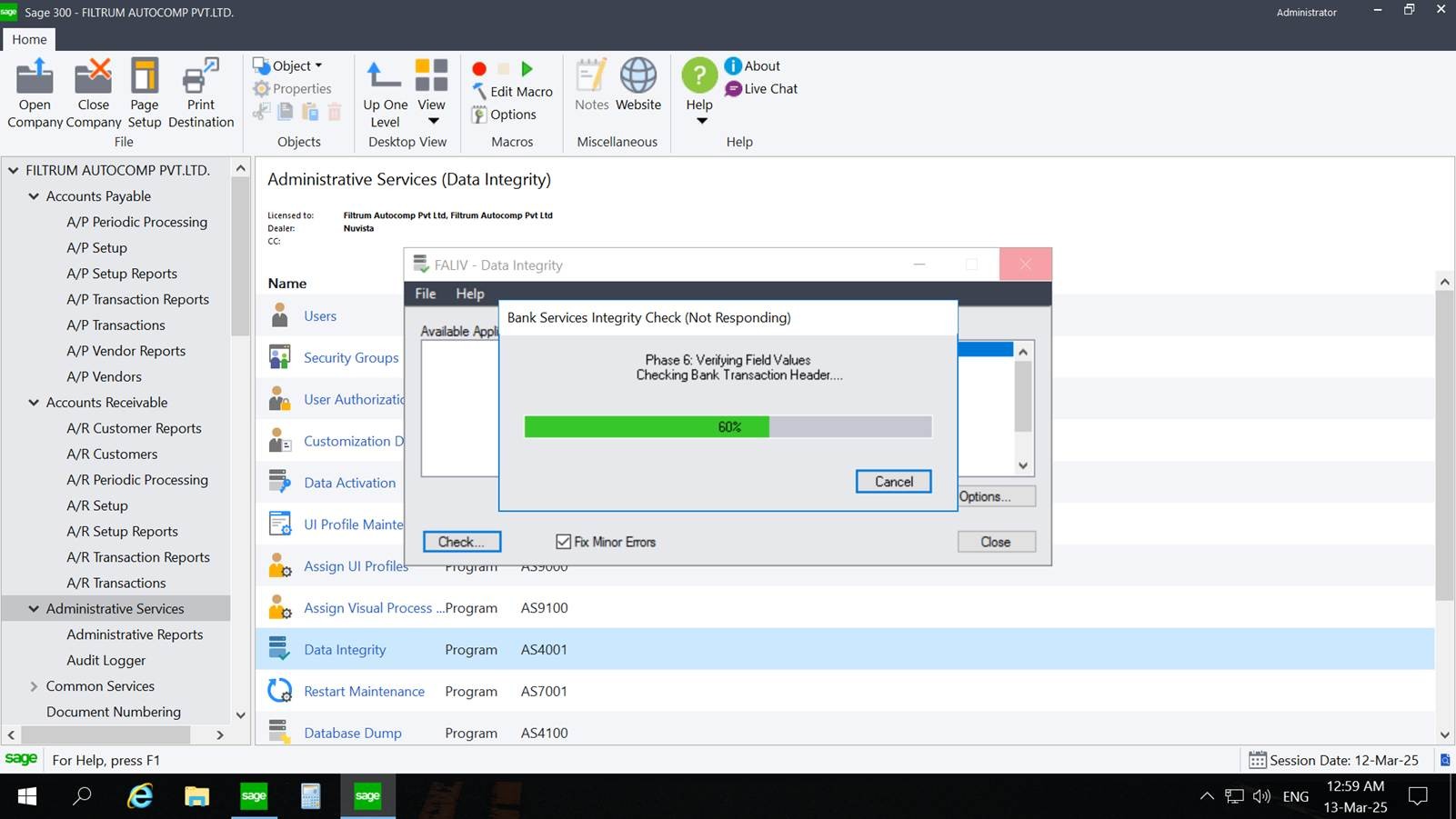
Sometimes users experience issues where the system becomes unresponsive, or they face noticeable slowness in Sage 300, causing delays while processing entries. This performance degradation can occur due to several factors that may affect the system’s overall speed and stability.
System slowness in Sage 300 can be caused by various reasons, such as high data volume, High Memory as well as CPU utilisation, network latency, large batch processing, or heavy customizations running in the background, too many active user sessions.
SYSTEM SLOWNESS IN SAGE 300 (NOT RESPONDING)
Below are some common factors that may cause system slowness, along with steps for review:
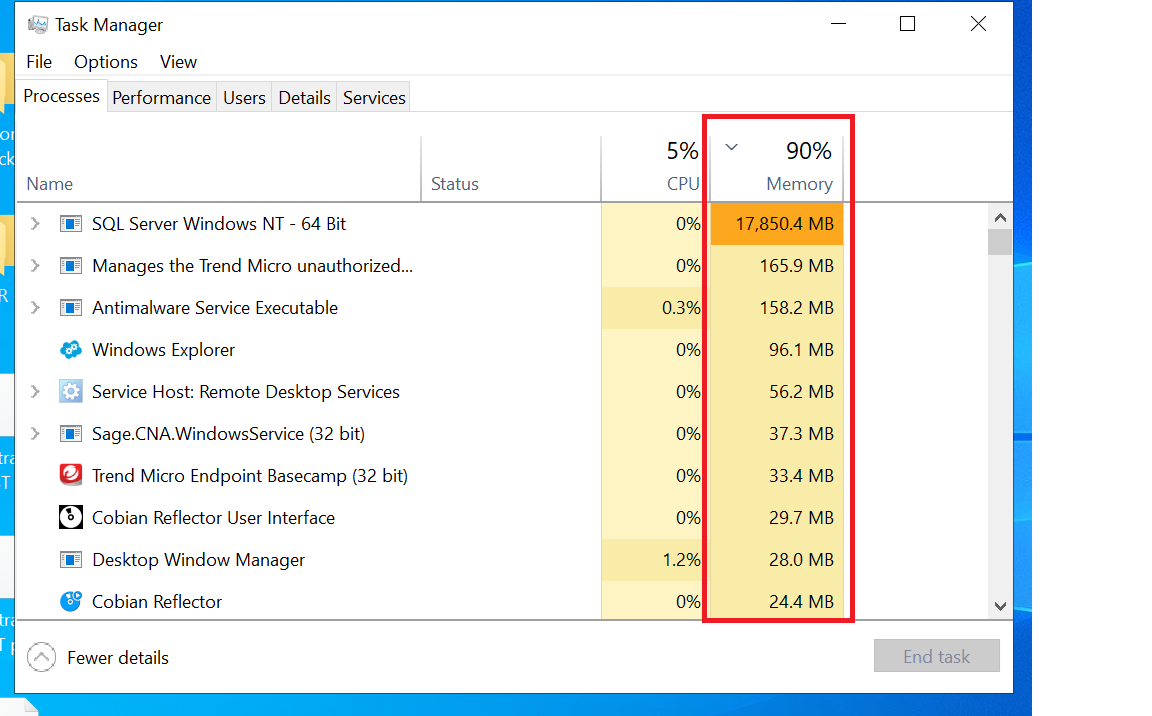
- High CPU or Memory Utilization on the Server
One of the most common causes of system slowness is high CPU or RAM utilization on the server where Sage 300 is hosted.
How to check:
- Right-click on the Taskbar
- Select Task Manager
- In the Performance tab, review the CPU and Memory usage
If CPU or memory utilization regularly stays above 70%, it indicates that the server is under heavy load. In such cases:
- Check available RAM and consider upgrading if required
- Review ongoing background processes consuming resources
- Terminate unnecessary applications
- Evaluate whether the server needs a hardware upgrade
A consistently overloaded server will directly impact Sage 300 performance.
2. Network Latency or Connectivity Issues
Slow performance may also occur due to network delays between the user’s system and the server.
How to check:
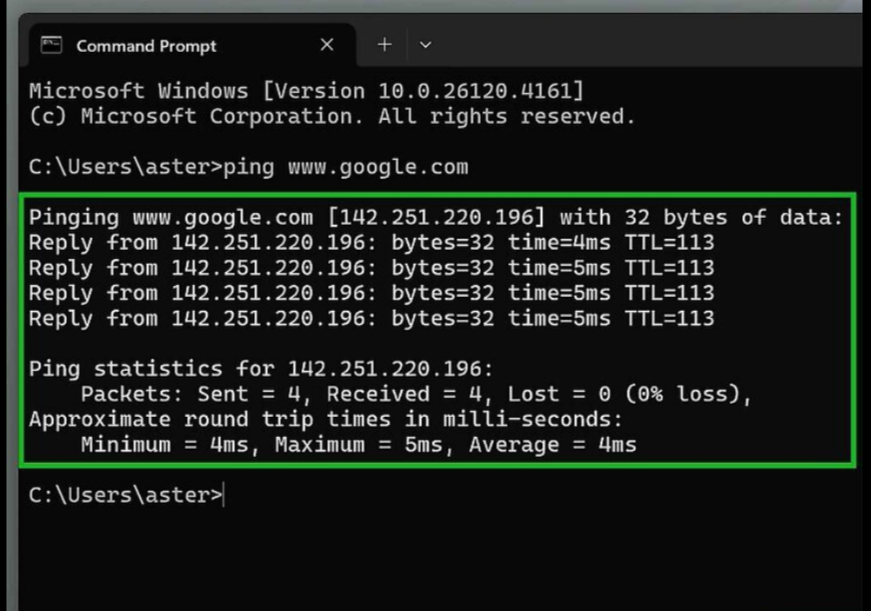
- Open Command Prompt
- Run the command: ping <server IP>
- If the ping response time is greater than 1 ms or shows fluctuating or timed-out responses, it indicates network latency.
In such cases:
- Check your system’s network connectivity
- Ensure you have sufficient bandwidth
- Report persistent latency issues to the IT/network team
- Verify that switches, routers, or Wi-Fi are functioning properly
A slow or unstable network connection directly affects Sage 300’s responsiveness.
3. Heavy Processing by Multiple Users
System performance may slow down when multiple users simultaneously run resource-intensive tasks.
Examples include:
- Concurrent import/export processes
- Multiple users generating large or complex reports
- Running batch updates or processing large transactions
- Custom reports or third-party add-ons using heavy resources
These activities create additional load on the server, leading to slower performance for all users.