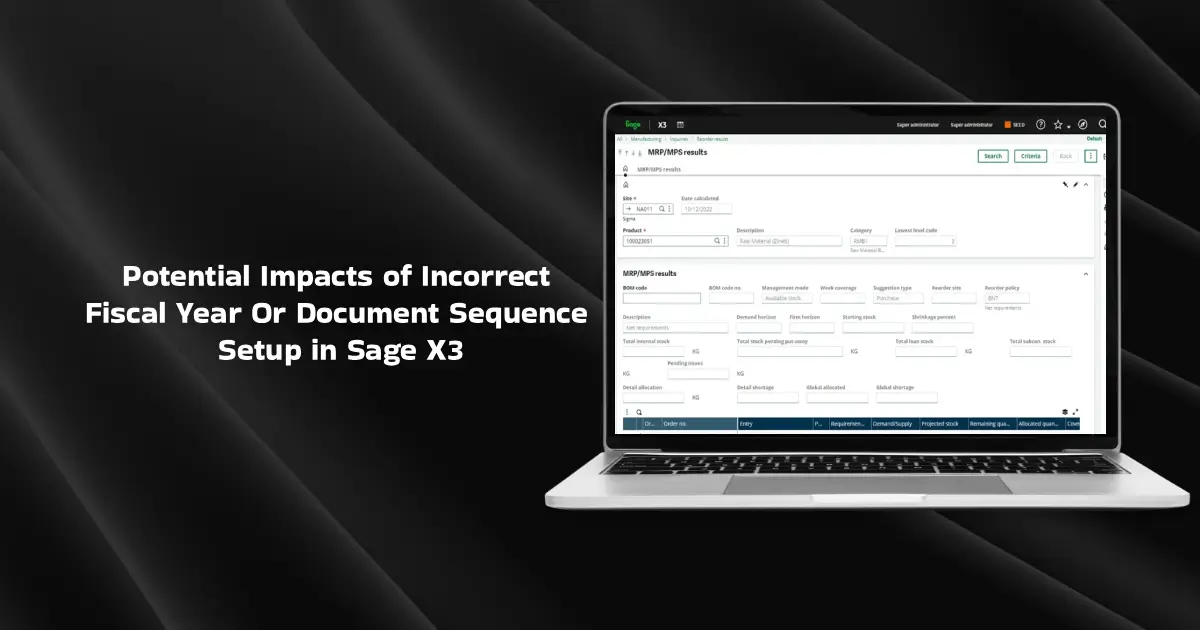
In Sage X3, Fiscal Year and document sequence setup play a critical role in ensuring accurate financial posting and document traceability. Any misconfiguration in fiscal periods or numbering sequences can lead to serious operational and accounting issues such as posting failures, incorrect document numbers, or compliance risks.
This blog explains a real-world scenario highlighting the impact of incorrect fiscal year or sequence setup, common issues faced by users, and best practices to avoid such problems.
Scenario
At the beginning of a new financial year, the organization updates its fiscal year in Sage X3 and resets document sequences for transactions such as:
- Sales Invoices
- Purchase Invoices
- Credit/Debit Notes
- Journal Entries
Soon after, users begin facing errors while posting transactions, or documents are generated with incorrect numbering formats. In some cases, the system allows document creation but blocks posting, impacting daily operations.
Issues Observed
The following issues were reported by users:
- The system does not allow posting of invoices due to the closed fiscal period
- Duplicate or missing document numbers
- Incorrect sequence continuation from the previous fiscal year
- Posting errors during the month-end or year-end closing
- Inconsistent document numbering across sites
- These issues create confusion among users and may lead to audit and compliance concerns.
Root Cause Analysis
Upon investigation, the following root causes were identified:
- Fiscal Year Not Properly Opened
- New fiscal year created, but periods not opened
- The transaction date falls into a closed period
- Sequence Not Linked to Fiscal Year
- Document sequences are not updated for the new fiscal year
- The old fiscal year sequence is still active
- Incorrect Sequence Reset Configuration
- Sequence reset option not enabled
- Numbering continues from the previous year, unintentionally
- Site-Level Sequence Mismatch
- Different sites use inconsistent sequences
- Missing sequence assignment at the site or document level
How Does Incorrect Fiscal Year Or Document Sequence Setup Impact businesses?
Incorrect fiscal year or sequence setup can have the following impact:
- Delay in invoice posting and dispatch: Such delays can affect your company’s cash flow and impact relationships with strain relationships with external stakeholders.
- Incorrect accounting entries: Businesses can suffer significant auditing risks due to accounting discrepancies, according to the Indian Companies Act, 2013.
- Difficulty in tracking documents during audits: You may fail to produce a structural record of your work and evidence for audit documentation.
- Non-compliance with statutory or internal controls: You may not get a true and fair picture of your financial operations, risking non-compliance.
- Increased manual intervention and support effort: Your staff may spend more time in labor-prone operations, leading to inefficiencies & delays at various stages.
Best Practices to Avoid Incorrect Fiscal Year Or Document Sequence Setup
To prevent and resolve such issues, the following steps should be followed:
- Verify Fiscal Year Setup
- Ensure the fiscal year is created and periods are opened
- Validate transaction dates before posting
- Review Sequence Configuration
- Confirm sequences are defined for the correct fiscal year
- Enable reset options where required
- Validate Site and Document Mapping
- Ensure correct sequences are linked at the site and document level
- Maintain consistency across all sites
- Test in UAT Before Going Live
- Perform test postings for each document type
- Validate numbering format and posting behaviour
Conclusion
Fiscal year and sequence configuration in Sage X3 is a foundational setup that directly impacts financial accuracy and operational continuity. A small oversight during fiscal year rollover can lead to multiple downstream issues. By entering the correct fiscal year, you will stay compliant with the internal controls and regulatory bodies and get a true & fair picture of your financial operations.