What is OCR (Optical Character Recognition)?
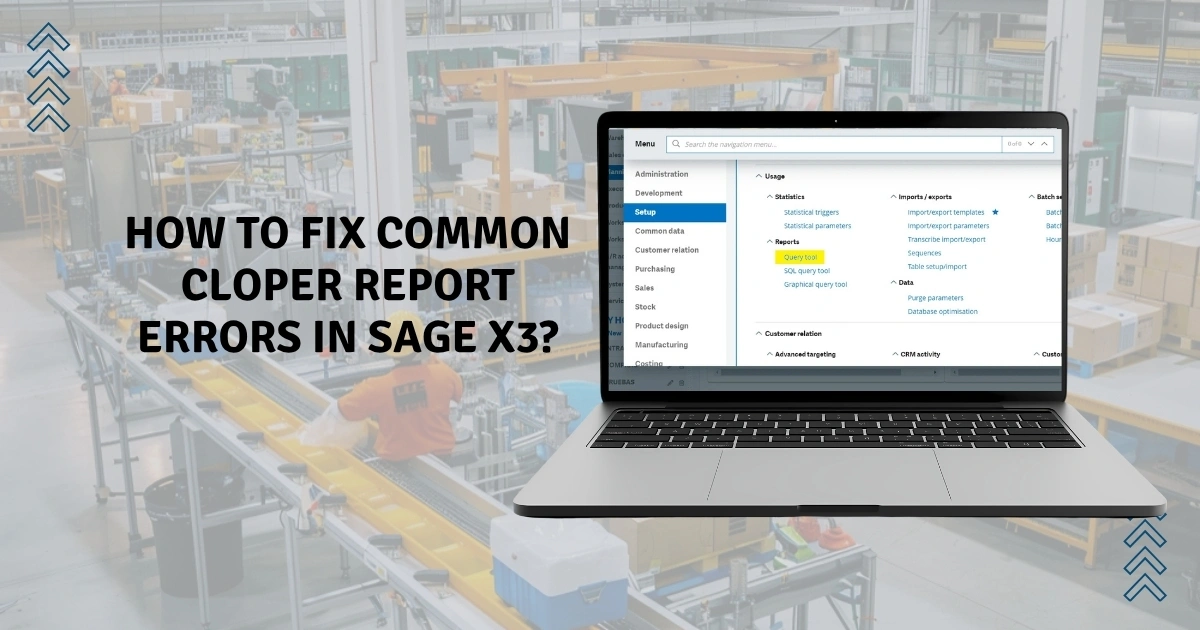
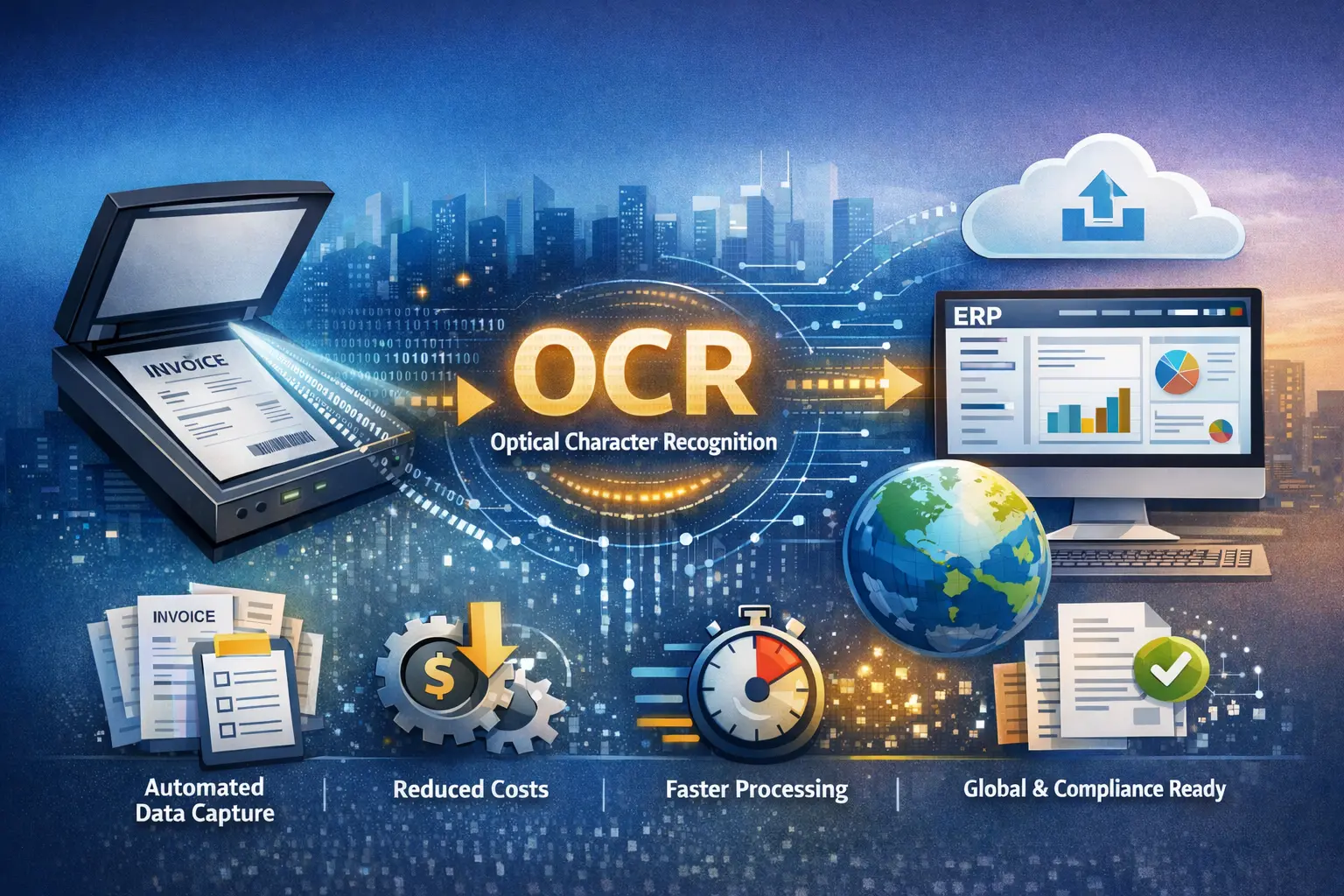
OCR stands for Optical Character Recognition. In today’s digital era, businesses are becoming digital-centric. They digitize everything from invoices, financial records, and legal documents for simplified data management, increased productivity, cost savings, and reduced manual errors. Optical Character Recognition (OCR) is a technology that lets businesses capture data from credit notes, invoices, and other physical or printed documents, using a dedicated ERP software.
Let’s take an example. You have hundreds of printed invoices that contain various details such as the invoice number, issuing date, due date, buyer’s & seller’s information, amount, and payment terms. You wish to integrate this information into an ERP software for further processing, re-verification, and automation purposes. As you scan those invoices with a scanner, they are stored as simple image files with no ability to edit, search, count, or process texts. This is where OCR in Sage X3 comes into the picture. It extracts textual information from your images, providing you with better control over your information and meeting your business requirements.
Benefits of Integrating OCR with Sage ERP Software
Here are the most significant benefits of OCR-Sage ERP software integration:
-
Meet the Rise in Increased Invoice Volume
As your business grows in size, so does the complexity of invoice volumes. OCR in ERP automates capturing data from your invoices while eliminating data entry errors. It provides a scalable infrastructure to meet growing business needs and improve productivity.
-
Reduced Operational Costs
Adopting manual labor can consume significant business resources and increase operational costs. OCR integration with ERP frees up your employees for more strategic activities and brings down the overall costs.
-
Accelerate Time-to-Market
Integrated OCR functionality will improve your data processing capabilities and help you deliver services faster than before. ERP lets you collaborate across cross-functional teams, deliver your services faster, and ensure coordination between teams.
-
Cloud Integration
OCR in ERP uses modern cloud technology. This saves you from the hassle of high upfront hardware costs and investing in a costly server infrastructure. Moreover, it delivers instant access to the most up-to-date information to employees across different teams, eliminating multiple versions and integrity conflicts.
-
Multi-company, Multi-country, and Multi-lingual
Sage ERP is a modern solution that caters to the needs of users across different countries. It offers multi-lingual capabilities to meet a diverse client base across different countries and regions. Moreover, it consolidates data across different entities and branches, offering you a seamless view on a single interface.
Common Use Cases of OCR in ERP Software
OCR in ERP software can be used for different purposes, such as automatic data extraction, reporting & compliance, and access to visually impaired users.
-
Streamlined Data Workflows:
Capture data from different invoices, purchase orders, and receipts. Avoid the manual hassle of entering the data and eliminate potential human errors.
-
Centralized Information Access:
Smart and efficient document management platform. Convert your printed documents into smart, digital documents with searchable texts using an OCR software.
-
Access to Blind or Visually Impaired Users:
Supports data access to blind or visually impaired users. Your data can be read aloud through the recognised text.
-
Compliance and Audit-Readiness:
Avoid data filling errors and ensure the integrity of all the information. Maintain audit-readiness and compliance with the latest Government and regulatory standards.
-
Advanced Analytical and Reporting:
OCR in ERP software automates data extraction into relevant fields in a structured manner for advanced analytical and reporting benefits.
Final Words
In today’s fast-moving business environment, businesses are moving forward from paper-based document storage to searchable digital texts using Optical Character Recognition (OCR) software. It plays an important role in modern business operations, eliminating manual labor work, ensuring data integrity & accuracy, and avoiding the risk of lost or misplaced documents. Integration between OCR and Sage X3 allows your business to gain greater control over its data, improve productivity, increase document processing speed, and enhance compliance.
Discover how your business can stay compliant effortlessly. Schedule a quick demo with us today.

Frequently Asked Questions (FAQs)
1. What is OCR text recognition technology in computers?
OCR text recognition uses its advanced algorithms and character recognition features to digitise printed documents into searchable digital texts. It is commonly used by individuals and businesses to eliminate the manual hassle of data entry, streamline workflow, and reduce storage costs.
2. What operational challenges are faced by businesses without OCR integration?
Businesses can face a range of operational challenges in the absence of OCR integration with their ERP software:
- Manual data entry and repetitive work
- Error-prone processes and reduced reliability of data
- Slowed business processes and a lack of market responsiveness
- Major risk of incorrect decisions, financial losses, and compliance penalties
3.Which categories of documents are supported by OCR software?
An OCR software can support a range of document categories, including:
- Financial documents: Financial statements, payment receipts, purchase orders, tax returns, loan agreements, credit reports, investment reports, etc.
- Logistics documents: Payment slips, shipping & tracking notes, Bill of Lading (BoL), Certificate of Origin, etc.
- Legal documents: Contractual agreements, No Objection Certificates (NOCs), Power of Attorney, etc.
- Human Resource (HR) documents: Payslips, joining letters, employee resumes, Employee handbook, periodic performance reviews, etc.
- Identity documents: National identity cards, passports, driving license, utility bills (electricity/ phone bills), birth certificate, voter registration, etc.
- Medical documents: Term life and health insurance cards, doctor prescriptions, health records, etc.