
- Sage 300 Add-on
Audit Documents for Sage 300
Attach scanned files, PDFs, images, and reports to Sage 300 transactions. Keep important business documents well-organized and readily accessible.
Get in touch
Give Every Transaction Full Context with Supporting Files
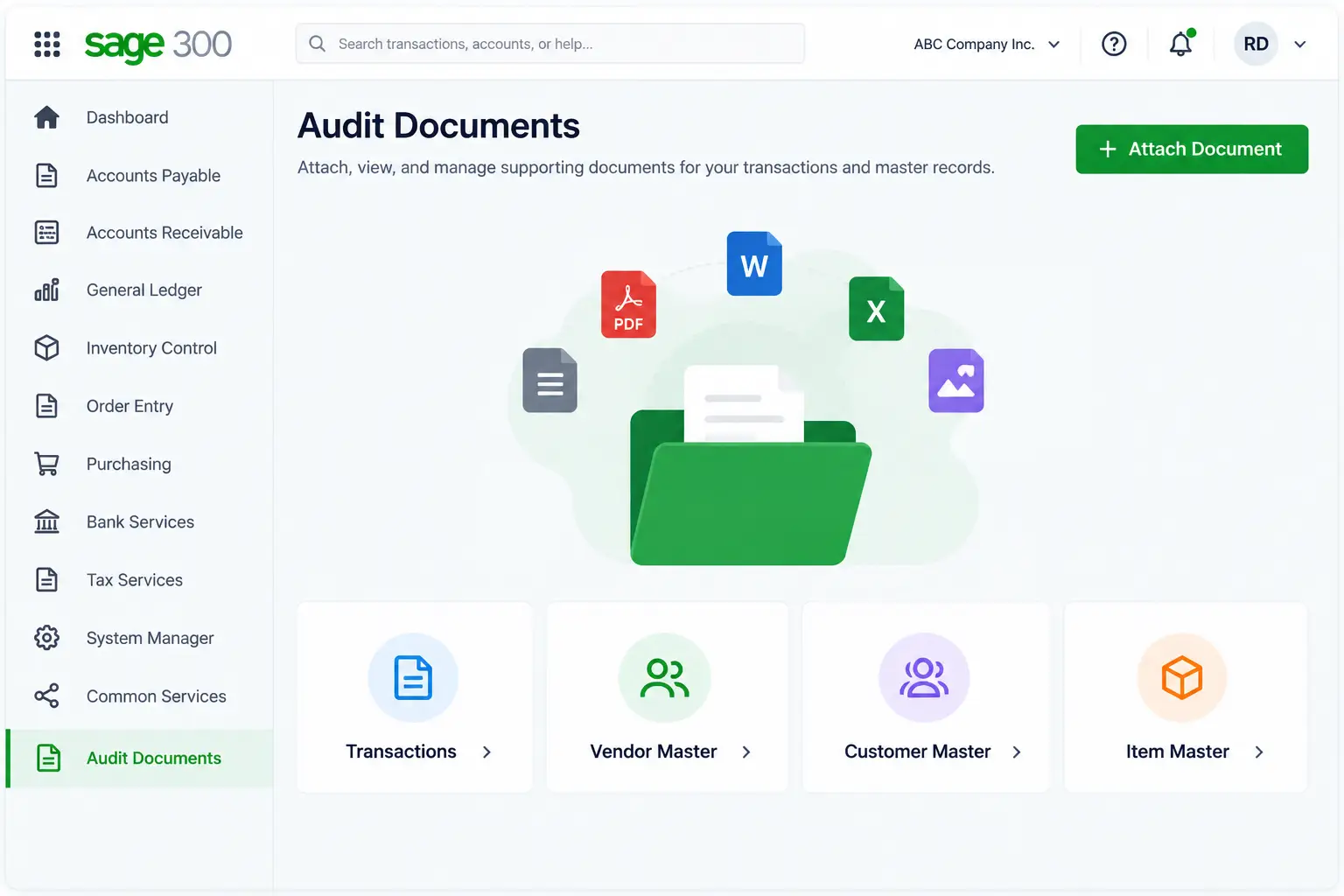
Audit Documents is an add-on for Sage 300 that enables you to attach multiple supporting documents to a particular transaction in Sage 300 modules, such as Accounts Payable, Accounts Receivable, Inventory Control, Purchase Order, General Ledger, and Order Entry. Documents can also be attached to Vendor Master, Customer Master, and Item Master records.
Attach scanned files, PDFs, images, Word docs, fax copies, and other documents to the relevant transaction or master record. Once attached, users can view, delete, and email those documents directly from Sage 300. It keeps all documents forever connected to the transaction or master record they belong to, making them easy to search and keeping annual transaction audits far smoother.
Primary Features of Audit Documents Add-on
Audit Documents for Sage 300 allows users to experience hassle-free document management within their ERP, from attaching multiple supporting documents to searching them through a central global search.
1. Attach Multiple Documents
Add all relevant files to the corresponding Sage 300 transaction instead of storing them separately.
2. AI-Generated Tags
Auto-generate suitable tags for each document so they are easy to find while searching.
3.Global Document Search
Find any document by transaction, master, keywords, and AI-added tags in the Global Search window.
4. Multiple Storage Options
Store your documents anywhere you want, whether local storage, Google Drive, OneDrive, or FTP.
5. Smart Email Integration
Send instant emails to vendors or customers with attachments via user-defined sender email IDs.
5. Manage Documents From Transactions
Attach, view, delete, and email supporting documents directly from Sage 300 transaction screens.
How Audit Documents Add-on Benefits Sage 300 Users
Attaching documents next to the corresponding transaction in Sage 300 reduces the administrative effort and costs associated with maintaining and storing unnecessary box files and photocopies.

➡️Audit-ready trail:
Every document is where it needs to be, ready for review at any time.
➡️ Prevent document loss:
Never lose any note or image by saving them next to the related transaction.
➡️ Find documents faster:
Find any document quickly with well-organized attachments.
➡️ Minimize manual errors:
Avoid mistakes common during paper filing and computer folder storage.
➡️ Simplify document sharing:
Easily share documents with customers and vendors via email.
Why Do Companies Trust Sage Software for Sage 300 Add-ons?
In-house development of Sage 300 add-ons
Extensive expertise in Sage 300 implementation
Solutions customized to your business requirements
Certified Sage consultants and implementation specialists
Complete Sage ERP Services for Your Success
We are one of India’s most established Sage ERP solution providers, offering comprehensive Sage services, including ERP implementation, customization, integration, add-on development, consulting, training, and ongoing support. Our experienced team works closely with your business to address your requirements and ensure you get maximum value from your ERP investment.
✔️ Implementation & Consulting
✔️Integration & Customization
✔️ App Development & System Optimization
✔️ Training & Ongoing Support

FAQs
What is the Audit Documents Add-on for Sage 300?
Audit Documents for Sage 300 allows users to attach supporting documents to transactions and master screens and manage those documents directly from there.
What information is displayed for an attached document?
The Documents screen displays the audit document path, name, description, tags, sender email ID, and email subject. It also displays the list of documents attached to a transaction.
How does AI tagging work?
The add-on automatically creates tags for supporting documents using AI capabilities. These tags provide additional information to help users easily locate documents in Global Search.
How does Global Search work?
The Audit Documents Global Search allows users to find any attached document for any transaction or master data. Users can search by keywords and tags, and refine their search by a specific transaction or master record.
Which Sage 300 modules are supported by the Audit Documents add-on?
The Audit Documents add-on works with various modules active in your Sage 300, such as Accounts Payable, Accounts Receivable, Inventory Control, Purchase Order, General Ledger, Project and Job Costing, and Order Entry. It also supports Vendor Master, Customer Master, and Item Master records.
Can I access the supporting document from the transaction?
Yes. When viewing a transaction in Sage 300, users can open the Documents option to view the supporting documents attached to that transaction.