What is CMMS Software?
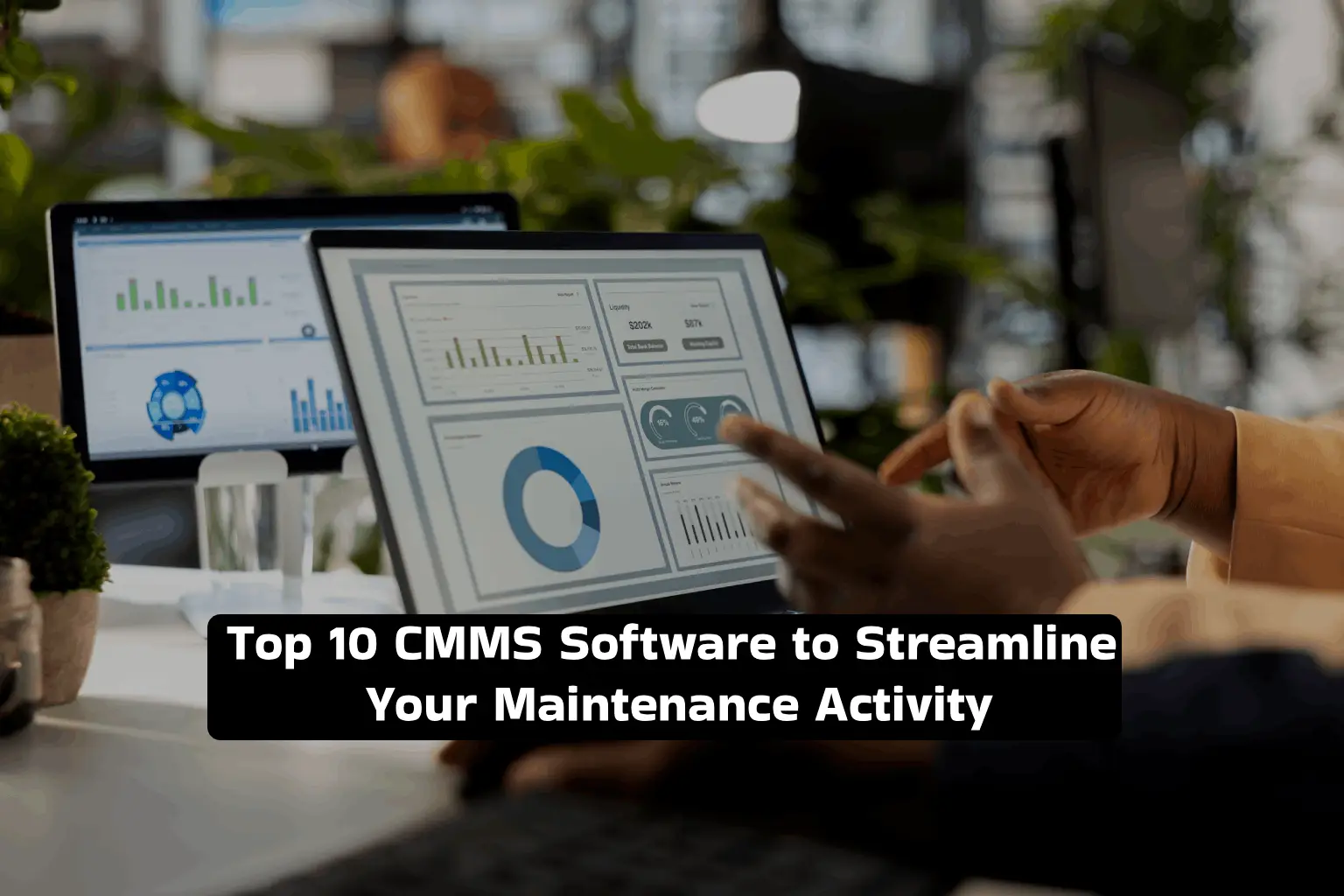
A Computerized Maintenance Management System (CMMS) is an enterprise software that provides a dedicated framework for the creation, tracking, and management of work orders, alongside other dedicated tools for monitoring equipment history, scheduling preventive maintenance activities, and managing spare parts.
A CMMS Software is a complete solution for managing & optimizing maintenance activities through a unified interface. It streamlines everything from issue identification, work order prioritization, and spare parts tracking to final resolution. The ultimate objective of this software is to speed up maintenance and repairs, prevent sudden equipment breakdown, and extend asset lifespan.
Top 10 CMMS Software: 2026 Comparison
| Our Rank | Product | Best For |
|---|---|---|
| #1 | DimoMaint MX | Adopt cutting-edge technology to simplify maintenance activity, cut costs, and put everything on autopilot |
| #2 | MaintainX | Get deep insights to reduce downtime and improve operational efficiency |
| #3 | eMaint | Convert your work order data into actionable insights |
| #4 | Click Maint CMMS | Manage work orders, PMs, and assets with a mobile app |
| #5 | UpKeep | Work within teams for granular downtime tracking and machine maintenance |
| #6 | Limble CMMS | Improve asset compliance, schedule preventive maintenance, and track progress |
| #7 | Fracttal One | Automate maintenance management, track assets in one place, and optimize operations |
| #8 | Brightly Asset Essentials | Track and manage assets remotely, and boost operational efficiency |
| #9 | eWorkOrders | A cost-effective solution for educational institutes and government bodies |
| #10 | FMX | Organize tasks, manage facility, improve asset productivity, and streamline maintenance |
1. DimoMaint MX
DimoMaint MX is a complete maintenance management solution that digitizes the machine maintenance process for companies across different industries and sizes. This new-age solution supports tracking, managing, and regulating your on-premise assets, including machinery and office equipment. This highly popular maintenance planning software ensures continuity in the production process by minimizing machine downtime and improving efficiency. If you’re juggling through the complex maintenance tasks, DimoMaint MX can help you get rid of several disconnected systems, streamline maintenance, and put everything on autopilot.
- High-quality, cloud-based, and cross-platform UI/ MX tools
- Easily deploy and integrate with your existing systems with expert support
- Gain 360-degree insights into your assets, spare parts, and resources
- Seamless collaboration between maintenance and operations teams
- Manage work orders, work requests, assets, and spare parts with a mobile-first solution
- Supports various industries, including manufacturing, automotive, healthcare, food, and retail.
2. MaintainX
MaintainX is a single platform to manage your assets throughout their lifecycle — from procurement, calibration, and maintenance to final disposal. It simplifies the complex maintenance process and provides data pulling, reporting, and navigation functionality for hassle-free maintenance.
- Easily track assets, work orders, and labor time
- User-friendly interface
- Short learning curve
- Stronger recording capabilities
- Mobile version is available
3. eMaint
eMaint is another maintenance management software that lets you track & manage assets, work orders, and spare parts inventory. It provides enterprise-level reporting with Key Performance Indicator (KPI) measurement capability.
- Simple drag & drop interface
- Automate work orders based on asset-specific information
- Automate asset maintenance planning
- Get reports with asset health data
- Schedule PMs and trigger events based on equipment usage
4. Click Maint CMMS
Click Maint CMMS is a cost-effective solution tailored for small and mid-sized businesses. It eliminates the need for paper and spreadsheet maintenance while helping you cut costs and streamline maintenance activity.
- Seamlessly create and manage work orders with a single interface
- Track work orders, requests, spare parts, and preventive maintenance activities
- Optimize your workflows and improve productivity
- Easily comply with asset legislation requirements
- A mobile app is available for remote accessibility
5. UpKeep
UpKeep lets you manage and track your crucial assets, schedule preventive maintenance activity, and assign work orders — all from a single unified interface. It lets you stay organized without the hassle of managing dozens of spreadsheets and fosters seamless communication across teams for effective maintenance.
- Seamless Work order and records management
- Automated alerts, triggers, and reminders
- Simple navigational interface
- A mobile app is available
- Flexible & customizable
6. Limble CMMS
Limble CMMS is a comprehensive software that lets you record work history, schedule preventive maintenance, manage work orders, and track organizational assets. It can be a helpful tool to enhance your asset reliability & longevity, reduce unexpected downtimes, and get real-time performance metrics for strategic decision-making.
- Best for small and mid-sized businesses
- Easier migration from conventional systems
- Multi-language capabilities
- Straightforward navigation options
- Quick setup without difficult implementation
7. Fracttal One
A cloud-based platform that empowers your company with scheduled preventive maintenance activities, asset tracking, and simplifies the regular maintenance activities. Offers various core features such as mobile interface, automated notifications, and preventive maintenance.
- Simple, clean, and intuitive interface
- Drag and drop interface
- Mobile-first and multi-device solution
- Predictive maintenance management with ERP & IoT integration
- Advanced reporting capabilities
8. Brightly Asset Essentials
Brightly Asset Essentials is an easy, web-based, and cost-effective solution that simplifies work order management, preventive maintenance, and spare parts & labor management. It can be accessed from both mobile devices and desktop PCs. It is particularly suggested for facility, building, and manufacturing maintenance.
- Best for small & mid-sized businesses
- Faster implementation
- A mobile app is available
- Offers cutting-edge technology
- Collaboration and customization tools
9. eWorkOrders
eWorkOrders is another cloud-based CMMS that provides a comprehensive set of features to track service requests and work order management, facilitating faster problem-resolution and streamlined maintenance. Moreover, it provides advanced CMMS features such as advanced reporting tools and integrated document management, among others.
- Designed for manufacturing, oil & gas, healthcare, and water treatment industry
- Supports custom reporting
- Advanced user permission control
- Forecast potential equipment failures accurately
- Single Sign-on (SSO) for user access safety
10. FMX
FMX is a facilities and maintenance operations management solution that helps you gain actionable insights into your organization’s assets, improve your productivity, and derive meaningful insights.
- Manage asset compliance
- Promotes data-driven decision-making
- Track labor costs & hours to improve ROI
- Easily deal with spare parts shortages & mismanagement
- Supports wider industries, including manufacturing, real estate, educational institutions, and government bodies.
Choosing the Best CMMS Software for Your Business
We know how difficult it is to choose CMMS software for your business. Worry not, we’ve created a checklist to simplify it.
1. Aligns with Your Budget
Does your ERP software align with your organization’s budget? If not, it’s time to remove it from your shortlisted products. If the CMMS software doesn’t align with your budget, implementation, and upgradation can become a difficult task, and you may suffer from operational bottlenecks at every level.
2. Easy & Intuitive Interface
It’s best to choose a CMMS software with a modern & intuitive interface rather than one with a complex interface requiring a deep learning curve. The latter may lead to significant resistance to change from your employees, causing productivity drops and lower return on your investment.
3. Meets Your Customization Requirements
Let’s admit it: There’s no one-size-fits-all solution. Check whether your CMMS software supports customization for your unique business and industry requirements. It will make your task simpler, match your maintenance requirements, and improve organization-wide adoption.
4. Cloud Integration
In today’s time, businesses are moving from on-premise to Cloud CMMS solutions due to the numerous advantages they offer. Cloud adoption will eliminate upfront license costs, thanks to the Software-as-a-Service pricing model. Moreover, it will provide remote access to your data to your employees, improving overall productivity & efficiency.
Streamline Your Maintenance Workflow with DimoMaint MX
DimoMaint MX is a smart, highly scalable, and customizable solution that takes care of your maintenance chaos. Its multi-site capabilities automate everything from preventive & corrective maintenance activities, spare parts reordering, and interventional planning to resource allocation. It is quick to deploy, easy to customizable and scalable to meet your increasing business needs.
Frequently Asked Questions
1. What is CMMS software used for?
A CMMS software provides complete control over your assets. It is used for planning, monitoring, reporting, and scheduling asset maintenance activities. It lets you track work orders, reorder spare parts, and achieve the intended objectives of your maintenance.
2. Which is the best CMMS software?
DimoMaint MX is a modern manufacturing maintenance software that provides deep insights into your assets and facilitates a single platform to manage asset data & work orders, and work efficiently between teams. It simplifies routine maintenance activities, reduces delays, and aids proactive planning.
3. What is the implementation timeframe for a CMMS solution?
A cloud-based CMMS software can take about a few weeks for implementation, whereas an on-premise CMMS may take a few months. The implementation time may extend for multi-site rollouts.
4. What features should I look for in my CMMS software?
Look for asset tracking capabilities, equipment maintenance, spare parts management, and cloud support while choosing a CMMS software for your company. You may also want to check whether it meets your business and industry needs and aligns with your budget.