
- Sage Intacct Add-on
WhatsApp Integration for Sage Intacct
Send customized WhatsApp business messages with order and invoice documents directly from Sage Intacct, keeping customers informed about their transactions.
Get in touch
Make Customer Communication Simpler and Faster
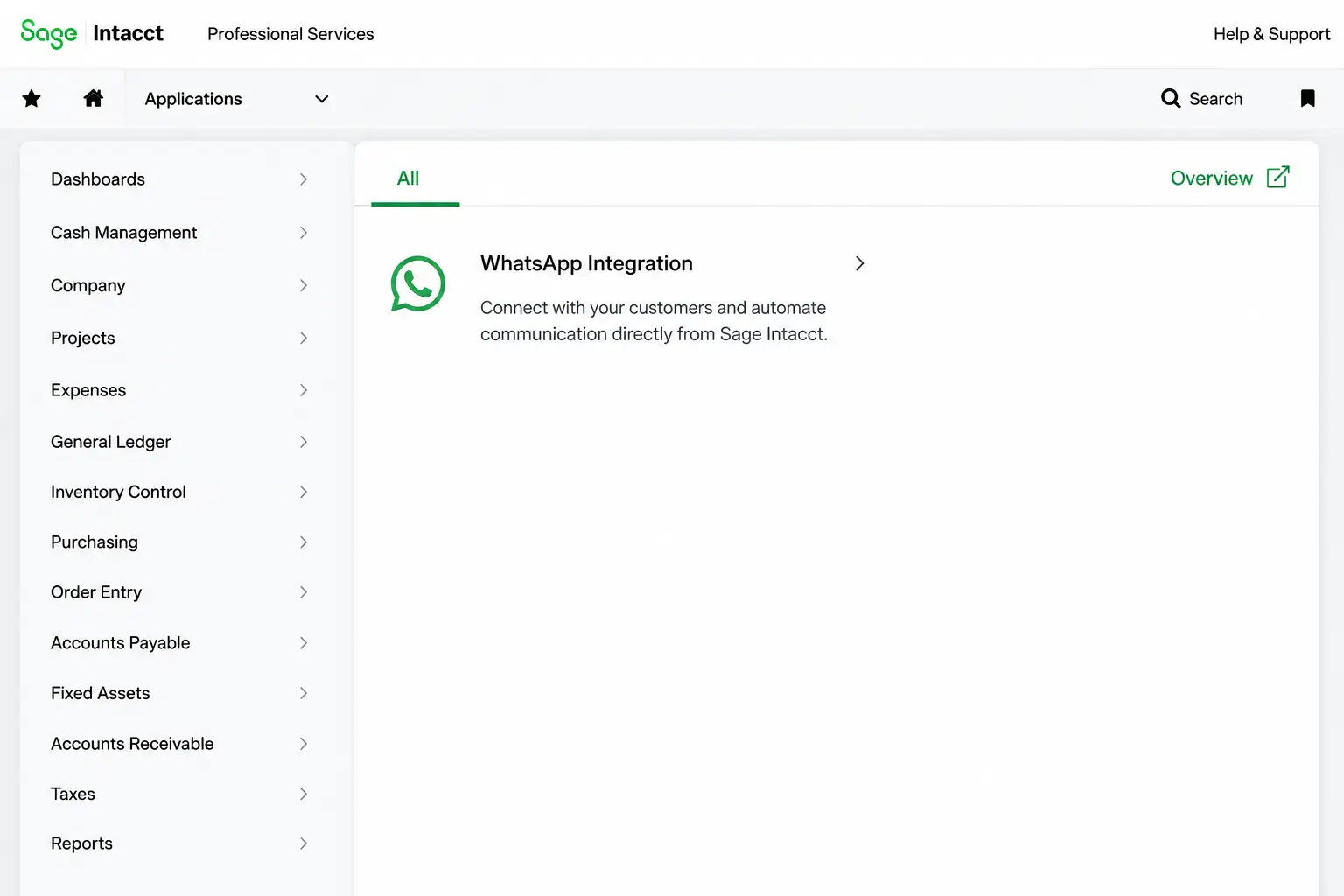
WhatsApp Integration is an add-on that brings customer WhatsApp messaging into Sage Intacct, letting you send transaction updates directly from your Sage Intacct, the AI-powered finance and accounting software. This integration allows you to customize WhatsApp business messages based on transaction types and easily share associated documents like sales orders and invoices.
Customer communication often involves manually checking a transaction, typing the message, attaching the invoice, and sending it to customers. WhatsApp integration for Sage Intacct automates the transaction update-sharing process by adding a WhatsApp button to your Sage Intacct user interface. So you don’t have to switch to WhatsApp to send updates and transaction documents to your customers
WhatsApp Integration Features for Sage Intacct
Deliver customer transaction updates from Sage Intacct with one click, while giving your team complete control over setup, including WhatsApp message content and the types of transaction updates you want to share with customers.
1. One-Click WhatsApp Messaging
Send transaction updates to customers directly from Sage Intacct in a single click with a dedicated WhatsApp button.
2. Transaction-Based Messaging
Select which Sage Intacct transaction documents you want to send via WhatsApp. Change the setting anytime you want.
3. Custom Message Templates
Create pre-configured messages using Meta-approved message templates for different transactions, ensuring standardized and accurate communication with customers.
4. Transaction Document Sharing
The posted transaction documents, from sales orders and invoices to shipping documents, are automatically attached along with the WhatsApp message.
5. WhatsApp Business Account Setup
Enable WhatsApp messaging by simply connecting your verified WhatsApp Business Account (WABA) and configuring the API credentials required for WhatsApp registration in Sage Intacct.
Why Use WhatsApp Integration for Sage Intacct?
WhatsApp integration for Sage Intacct enables you to send customers instant transaction updates directly via Sage Intacct, reducing manual messaging work for your accounting team. Here are the key benefits:

➡️Faster Customer Updates:
Send transaction information as soon as the Sage Intacct transaction is generated.
➡️ Less Manual Work:
Reduce the repetitive work involved in typing, attaching, and sending transaction updates.
➡️ Better Customer Experience:
Give customers timely access to information through a familiar communication channel.
➡️ Reduced Follow-Ups:
Inform customers proactively and reduce routine requests for transaction updates.
➡️ Consistent Messaging:
Use predefined templates to maintain accurate and consistent external communication.
Why Choose Sage Software Solutions for WhatsApp Integration with Sage Intacct?
Deep Sage Intacct expertise backed by extensive implementation and integration experience
In-house development track record for building innovative solutions for Sage Intacct
Custom solutions designed specific to your business workflows and requirements
Certified consultants and implementation specialists for hassle-free deployment
End-to-End Sage Intacct Service Provider
From implementation and configuration to integration and customization, with us you get comprehensive Sage Intacct services under one roof. Whether you need a Sage Intacct licence, integrate new add-ons like WhatsApp integration and India e-invoicing, or develop new solutions to meet specific business requirements, as India’s leading Sage partner, we are committed to your success.
✔️ Implementation & Configuration
✔️ Integration & Customization
✔️ App Development & System Optimization
✔️ Consulting & Ongoing Support

We Offer Solutions for the Following Industries
Accountants & CPA Firms
Accelerate month-end close with AI-driven insights
Professional Services Industry
Get quick insights and elevate business performance
Bollywood Film & OTT Content
Streamlines multi-currency production budgeting
Media & Entertainment Industry
Optimize your resources, and scale business success
Financial Services
Bring financial clarity and improve audit-readiness
Nonprofit Industry
Streamline multi-fund compliance and reporting
Wholesale Distribution
Optimize inventory flow and reshape distribution network
Healthcare Industry
Improve operational efficiency and manage business costs
Hospitality Industry
Deliver seamless experience and maximize your revenues
Biotech Industry
Empowers the intelligence that drives better decisions
SAAS
Manage subscriptions, and maximize your revenue
Franchise
A unified system to improve visibility & consistency
FAQs
What is Sage X3?
WhatsApp Integration for Sage Intacct is an add-on that allows businesses to send transaction messages and documents to customers through WhatsApp, without leaving Sage Intacct.
How are WhatsApp messages sent?
Messages are sent using the WhatApp button on the Sage Intacct transaction screens configured through the Notification Assignment UI. You have the flexibility to select the transactions whose updates you want to send to customers via WhatsApp.
Can we customize WhatsApp messages?
Yes. Transaction-specific message templates can be configured to include relevant information for each transaction type.
Can transaction documents be sent through WhatsApp?
Yes. As soon as you click the WhatsApp button, both the WhatsApp message and the transaction document are automatically sent to the customers.
What is required to connect WhatsApp with Sage Intacct?
The setup requires a verified WhatsApp Business Account linked to Meta Business Manager, along with the API Url, Sender ID and Token required for WhatsApp registration.
Which Sage Intacct transactions can be sent via WhatsApp?
The WhatsApp notification setup allows businesses to select Sage Intacct transactions like sales orders, sales invoices, shipping documents, and AR invoice entry that will be shared via WhatsApp. Additional transaction types can be configured according to business requirements.