
- e-Invoicing
Indonesia e-Invoicing Add-on for
Sage ERP
Enable DJP-compliant e-invoicing in Indonesia with a Sage-native add-on. Generate the required XML, submit e-invoice data to Coretax through an integrated PJAP, track validation status, and capture the invoice number and QR code in Sage ERP.
Get in touch
What is e-Invoicing in Indonesia?
Indonesia e-Invoicing refers to the e-invoice (e-Faktur) processing system managed by the Directorate General of Taxes (DJP) as part of its centralized tax administration system Coretax. Under a strict pre-clearance model, the system requires a real-time validation of every e-invoice on the Coretax platform for it to be legally valid and formally issued to the customer.
To simplify compliance, our e-invoicing add-on for Sage ERP generates invoice data in the required XML format and sends it to an integrated PJAP, a DJP-approved tax application service provider. The PJAP submits the data to Coretax for validation. The validated e-invoice details like tax invoice serial number and QR code, are returned via the PJAP and captured in Sage ERP.
Indonesia e-Invoicing Compliance Requirements
Indonesia e-invoicing requires VAT invoices (e-Faktur) to be submitted to the centralized Coretax portal, operated by the Directorate General of Taxes (DJP), for real-time validation and pre-clearance.
| Requirement | What it involves |
|---|---|
| Applicable Transactions | B2B and B2G transactions, includes standard PPN, zero-rated, exempt supplies, and import/export |
| Applicable Documents | Tax invoices (Faktur Pajak), replacement/cancellation invoices, return notes, and cancellation notes |
| Invoice Format | DJP XML schema sent via API or web portal uploads |
| DJP Reporting | Real-time transaction data sent to Coretax DJP portal |
| Invoice Validation | Pre-clearance schema validation and NPWP/NIK verification |
| Clearance Identifier | Tax invoice serial number (NSFP), tax transaction number (NPT), and QR Code |
| Cancellation Window | Allowed anytime before tax audit. Requires buyer approval via the Coretax portal |
How Indonesia e-Invoicing Works in Sage ERP
Indonesia e-Invoicing add-on for Sage ERP is part of 6th Corner – our multi-country e-invoicing offering that brings country-specific e-invoicing capabilities natively into Sage ERP. The add-on generates the required XML and connects Sage ERP to the PJAP service provider, which connects to the Coretax portal. This enables seamless invoice data submission and receipt of DJP responses and updates in Sage ERP.
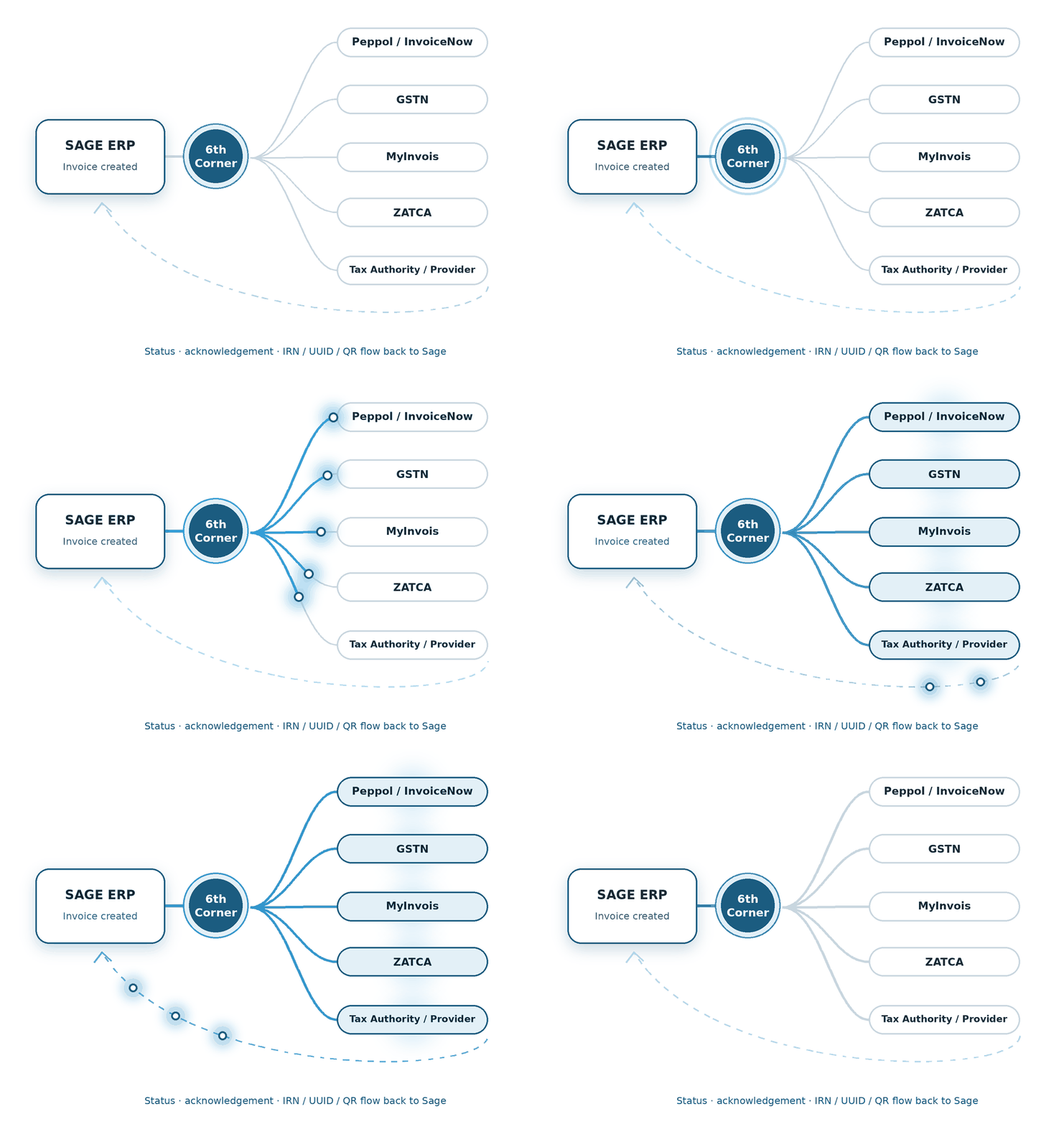
1 - Create Invoice
Create the sales invoice in Sage ERP using your existing invoicing process.
2 - Generate XML
The add-on uses invoice data from Sage ERP to convert it into DJP-compliant XML.
3 - Submit via PJAP
The generated XML is transmitted to PJAP, which submits the e-invoice data to Coretax.
6 - Update Sage ERP
The captured details are stored in Sage ERP and automatically published on the tax invoice, ready to be shared with the customer.
5 - Receive validation details
The add-on receives invoice validation details like tax invoice serial number and QR code via PJAP.
4 - Coretax Validation
Coretax processes and validates the submitted e-invoice data.
Supported Sage Products
Stay ahead of Indonesia e-invoicing with DJP-compliant native add-ons built for these Sage ERP systems.
We build the connection between financial transactions and the country-specific compliance journey.
We shape the e-Invoicing flow around the processes already running through Sage X3.
We connect the required e-Invoicing steps with the Sage 300 transaction flow.
Features of Indonesia e-Invoicing Add-on for Sage ERP
Manage the Indonesia e-invoicing process from Sage ERP with capabilities built around Coretax and PJAP connectivity.
PJAP Integration
Connects Sage ERP with a DJP-certified PJAP to transmit e-invoice data to the Coretax portal.
Data Validation
Checks required data fields as per DJP to ensure e-invoicing accuracy.
XML Generation
Generates e-invoice data in the XML format required for Coretax processing.
Invoice Submission
Submits e-invoice data electronically to Coretax through PJAP integration.
Invoice Status Tracking
Tracks the processing status of submitted e-invoices in Sage ERP.
Validation Details Capture
Captures the invoice serial number and QR code for inclusion on the invoice document.
Audit Logs
Maintains XML transaction records for reference and audit purposes.
Response Capture
Receives the processing response from Coretax and associates it with the corresponding invoice.
Multiple Document Processing
Processes tax invoices, replacement/cancellation invoices, return and cancellation notes.
Benefits of e-Invoicing Automation in Sage ERP
Ease Indonesia e-invoicing compliance in Sage ERP in line with DJP requirements.
Minimize manual processing
Reduce compliance costs and avoid repetitive data entry.
Improve efficiency
Generate the required XML from your Sage ERP invoice data.
Maintain cleaner records
Keep your books organized with accurate record-keeping.
Gain real-time visibility
Track invoice processing status updates in Sage ERP.
How We Implement e-Invoicing for Sage ERP
We set up the Indonesia e-invoicing add-on within your existing Sage ERP workflows.
System Assessment
We review your Sage ERP system and transaction processes before setup.
Configuration
We map the required data fields to the corresponding data in Sage ERP.
PJAP Integration
We connect your Sage ERP with PJAP for e-invoice transmission to Coretax.
Testing
We test XML generation, data transmission, and Coretax responses and updates.
Go-live Support
Our team assists with technical queries and support during the go-live phase.
FAQs
What is Coretax in Indonesia?
Coretax DJP is Indonesia’s integrated tax administration system that supports a range of tax processes, including tax filing, e-invoicing, and compliance monitoring in a single unified portal.
What is the role of PJAP in Indonesia e-Invoicing?
PJAP stands for Penyedia Jasa Aplikasi Perpajakan. They are DJP-certified tax application service providers to businesses in Indonesia.
What XML format is used for Indonesia e-Invoicing?
Coretax supports XML for electronic document processing, and DJP provides the XML templates outlining the relevant document structure and data requirements.
Does this solution support e-Invoicing for Sage X3 in Indonesia?
Yes. e-Invoicing for Sage X3 in Indonesia enables businesses to generate the required XML from Sage X3 invoice data, submit it to Coretax via PJAP integration, track e-invoice processing status, and capture the validated details like tax invoice serial number and QR code.
How does the add-on enable Indonesia e-invoicing for Sage Intacct?
The add-on uses invoice data from Sage Intacct to generate the XML required for Indonesia e-invoicing. It sends the XML to PJAP for submission to Coretax and tracks the processing response. After successful validation, the returned tax invoice serial number and QR code are captured against the corresponding Sage Intacct transaction.
How does e-Invoicing for Sage 300 in Indonesia work?
The Indonesia e-invoicing add-on connects Sage 300 with a PJAP service provider to submit invoice data to the Coretax portal. It generates the required XML from Sage 300 invoice data, sends it via PJAP for DJP validation, and captures the tax invoice serial number and QR code.